Installing Multiparser
The extension works in Chrome, Edge, Opera, Yandex Browser and Firefox. Free, no sign-up.
 Google Chrome
Chrome Web Store
Coming to the store
Google Chrome
Chrome Web Store
Coming to the store
 Microsoft Edge
Edge Add-ons or Chrome Web Store
Coming to the store
Microsoft Edge
Edge Add-ons or Chrome Web Store
Coming to the store
 Opera
Opera Add-ons
Coming to the store
Opera
Opera Add-ons
Coming to the store
 Yandex Browser
from Chrome Web Store
Coming to the store
Yandex Browser
from Chrome Web Store
Coming to the store
 Firefox
 Add-ons
Coming to the store
Firefox
Firefox Add-ons
Coming to the store
Manual installation
If the extension is not in your browser's store yet. Works in Chrome, Edge, Opera and Yandex Browser.
- Download the archive and unpack it into a folder you will keep: the browser loads the extension from it.
- Open the extensions page by typing its address into the browser's address bar:
chrome://extensions(Chrome),edge://extensions(Edge),opera://extensions(Opera) orbrowser://extensions(Yandex Browser). - Turn on “Developer mode” — a switch at the top or side of the page.
- Press “Load unpacked” and choose the folder from step 1.
- Pin the icon: click the “puzzle” right of the address bar and the pin next to Multiparser.
An extension installed by hand does not update itself. When a new version appears on this page, download it, replace the files in the same folder and press “Reload” on the extensions page.
Firefox installs extensions only from Firefox Add-ons: without its signature Firefox does not install them.
The archive for manual installation will appear here soon.
Meanwhile write to si2pars@gmail.com — we will send it.
First run
Open the website you want to collect data from and click the Multiparser icon — the panel appears.
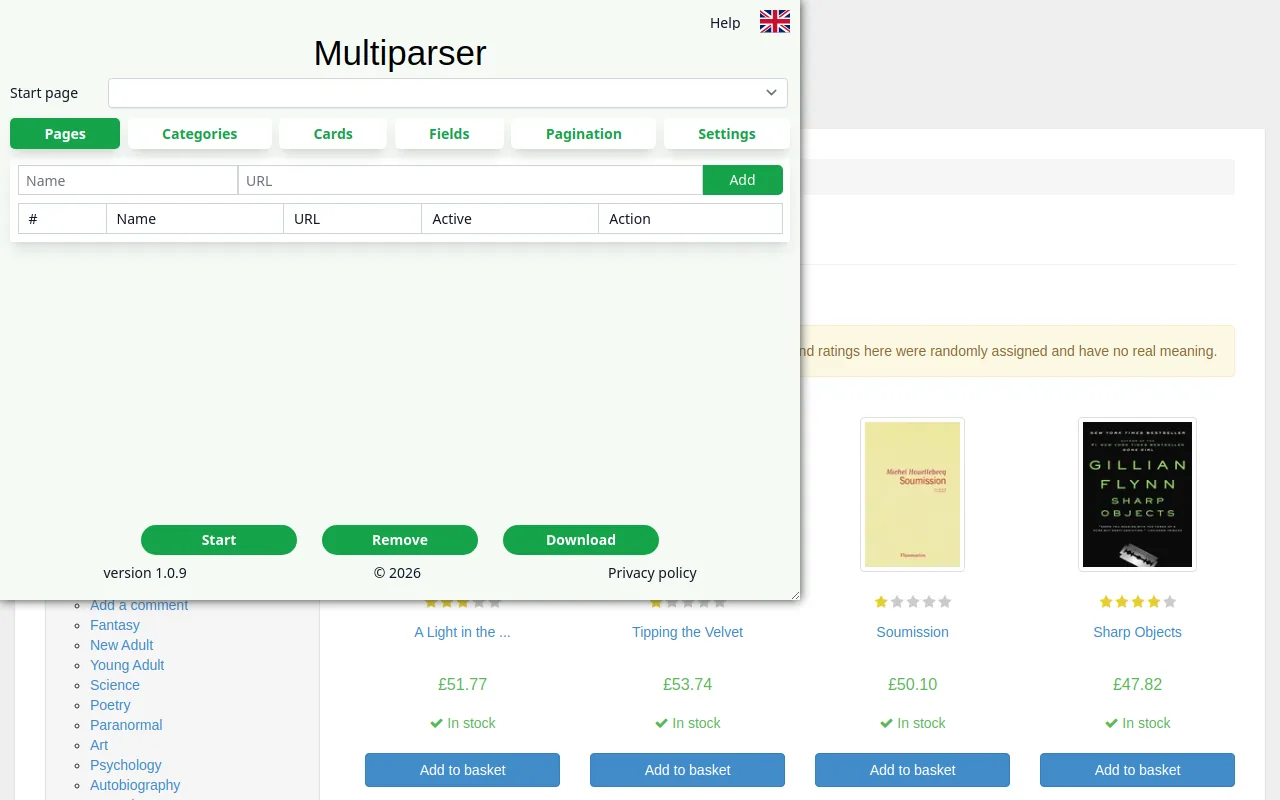
Then go through the panel's tabs — step by step with pictures in the help.